
- Thread Author
- #1
TDM Server Build
Available systems:
- Custom server (most settings you can edit in ./packages/league/assets/config.json)
- Saving statistics (and yes, you don't need to install any additional libraries, just ctrl + c, ctrl + v folders)
- Multilingual (You can easily add a new language by simply creating a new json file in the lang directory)
- Groups (user, moderator, administrator, root)
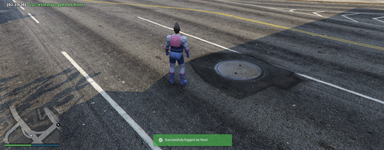
- CEF-based notification system (notifystack)
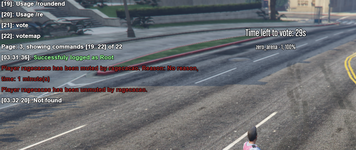
- Voting for cards
- JSON map support (see example in assets/maps.json)
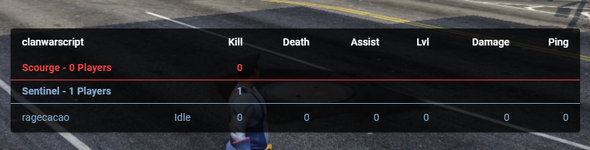
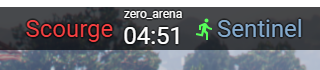
- Some huds information (name badges, voting, team selection, round information)
- Chat information (kick, mute)
- /rs [map_id_or_code] or /roundstart [map_id_or_code] - Start a new round
- /re or /roundend - Ends the round
- /votemap[map_id_or_code] - assign a map to start with
- /cl [lang] or /changelang [lang] - change language
- /kick [idOrName] [reason] - (root and admin and moderator only) Kick a player for a reason
- /mute [idOrName] [minutes] [reason] - (root and admin and moderator only) Mute a player for a reason
- /unmute [idOrName] - (root and admin and moderator only) Unmute player
Group teams:
- /g rcon [password] - grant super privileges
- /g login [password] - log in as an administrator or moderator
- /g addadm [id] [password] - (root only) add a new admin by id
- /g addmod [id] [password] - (root and admin) add a new moderator by id
- /g pwd [password] - change the password to log in
- /g user [id] - set a user group for the player by ID
DOWNLOAD LINK
You must be registered for see links